Upload
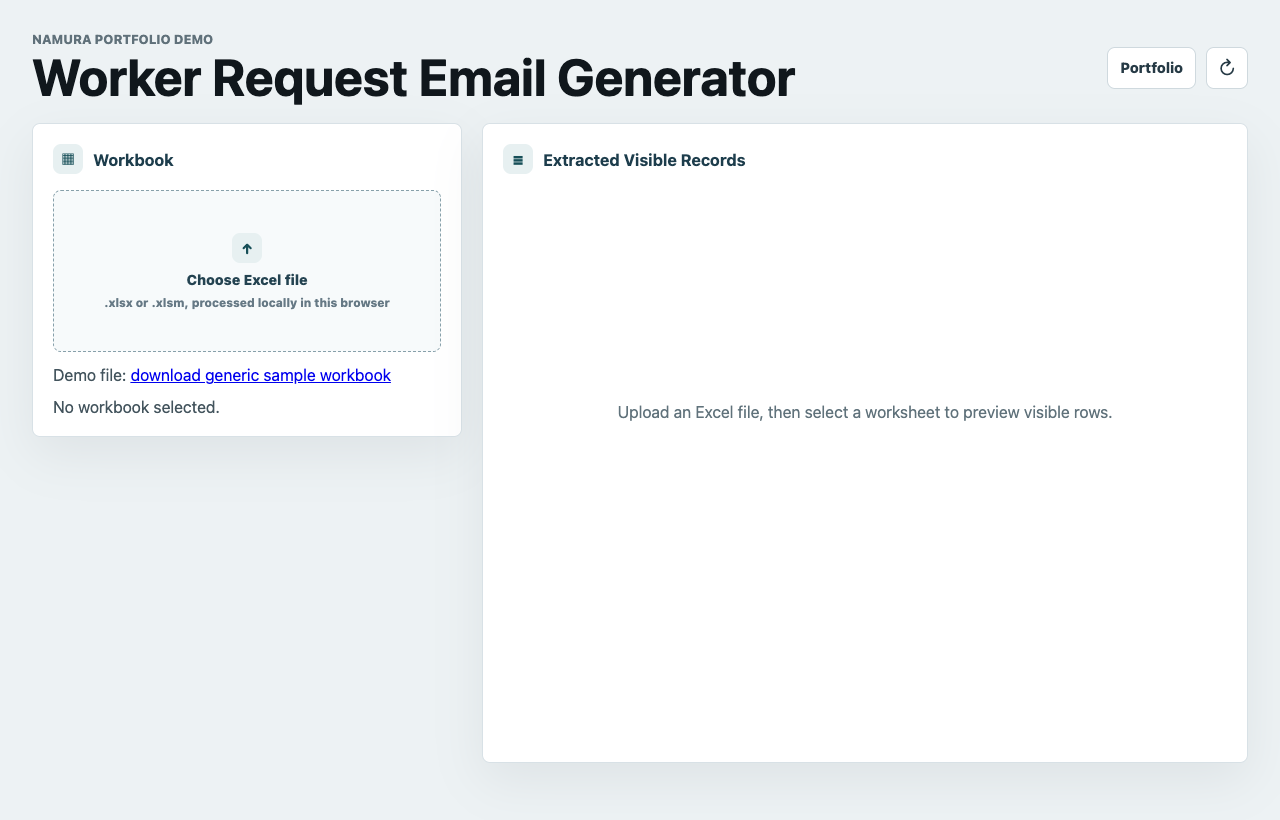
Load a sample or real `.xlsx` / `.xlsm` workbook into the browser.
Portfolio Web App
A browser workflow that reads a spreadsheet, lets users select workers, and generates a ready request email.
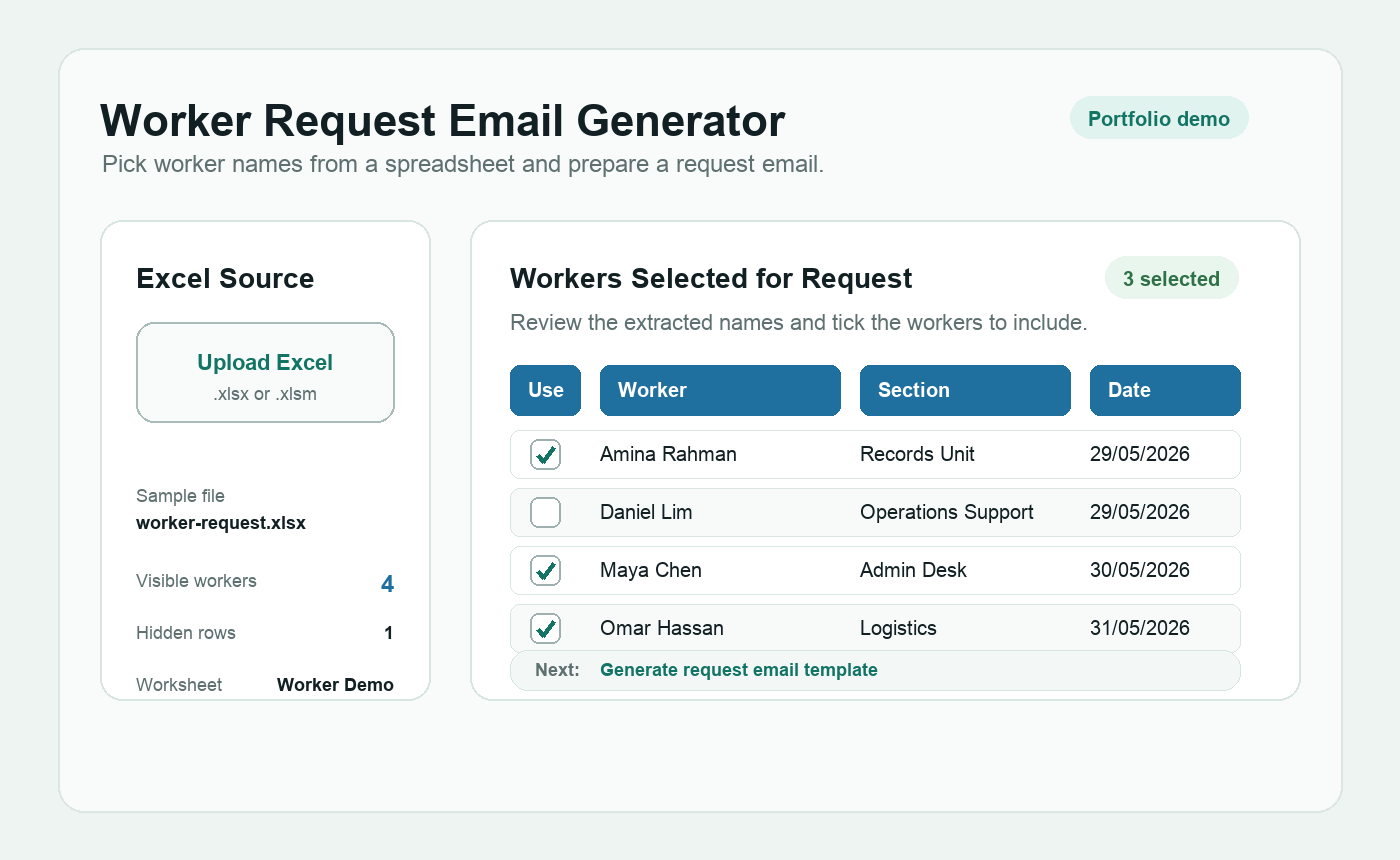
This demo turns a common admin task into a focused browser flow: upload a workbook, review the detected worker names, choose the needed people, and copy the finished email.
Workflow
The tool keeps the workflow narrow so the user can quickly move from spreadsheet data to a clean request message.
Load a sample or real `.xlsx` / `.xlsm` workbook into the browser.
Read visible rows and extract likely worker names and task-related details.
Choose the exact workers needed for the request and review the extracted list.
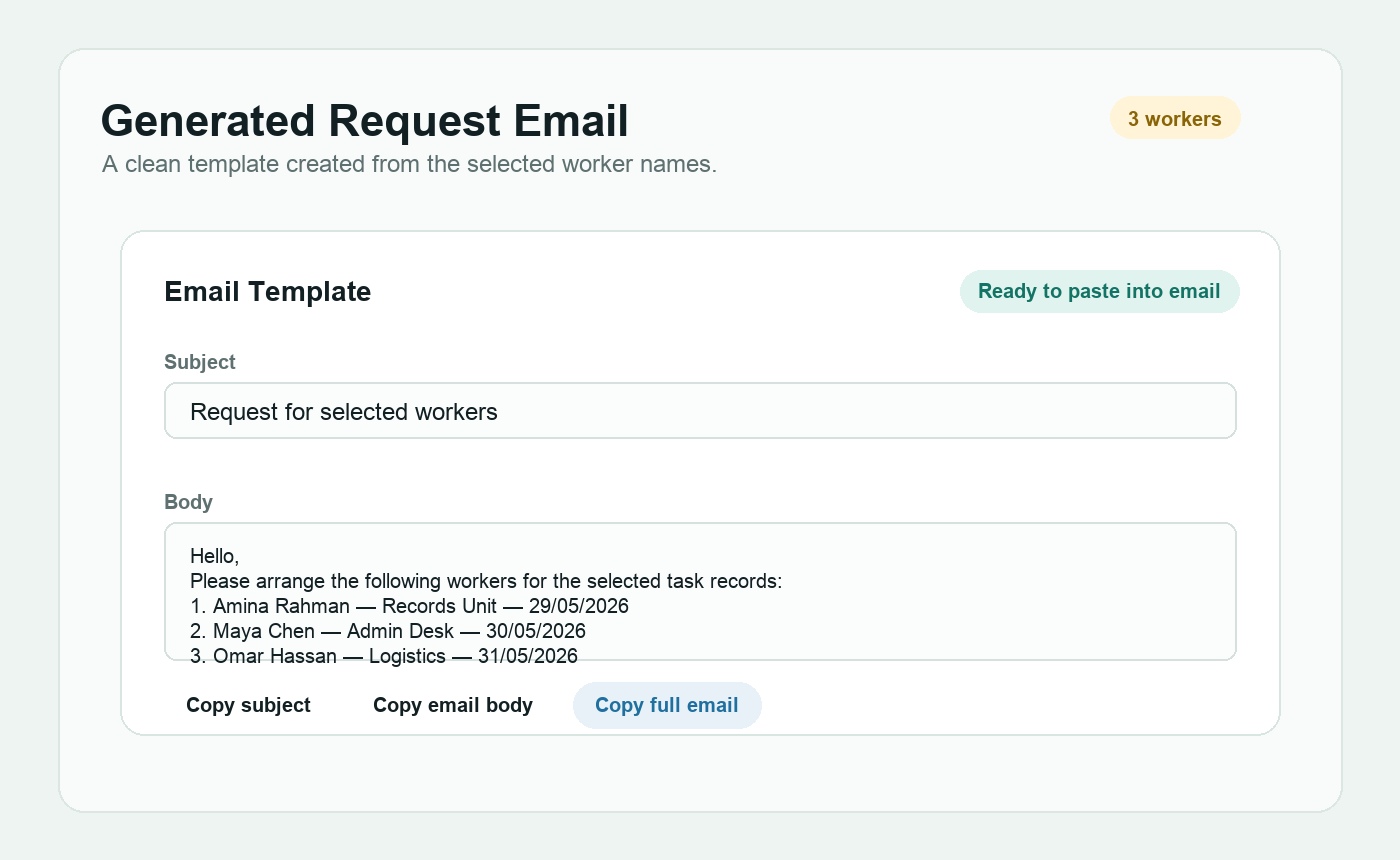
Generate a structured subject and email body that can be copied and sent.
Screenshots
The demo makes the selected names visible before generating the email, so users can catch spreadsheet mistakes before sending a request.
Privacy
The public demo is designed around local browser processing and generic sample data.
Data
The workflow is useful where worker names and task details already live in Excel files.
Output
The final result is a subject line and body text that can be reviewed before sending.
Project Note
This page presents the worker request workflow as a Namura portfolio project. It can be adapted for other spreadsheet-to-message routines.