Load Sources
Add approved minutes and the newest rough notes into one browser workspace.
Live Web App
A browser workspace for comparing approved minutes with new rough notes and preparing updated office-style minutes.
Minutes Amender helps users move from old minutes and fresh notes to a cleaner review workflow: extract matters, compare updates, check owners, and prepare a draft.
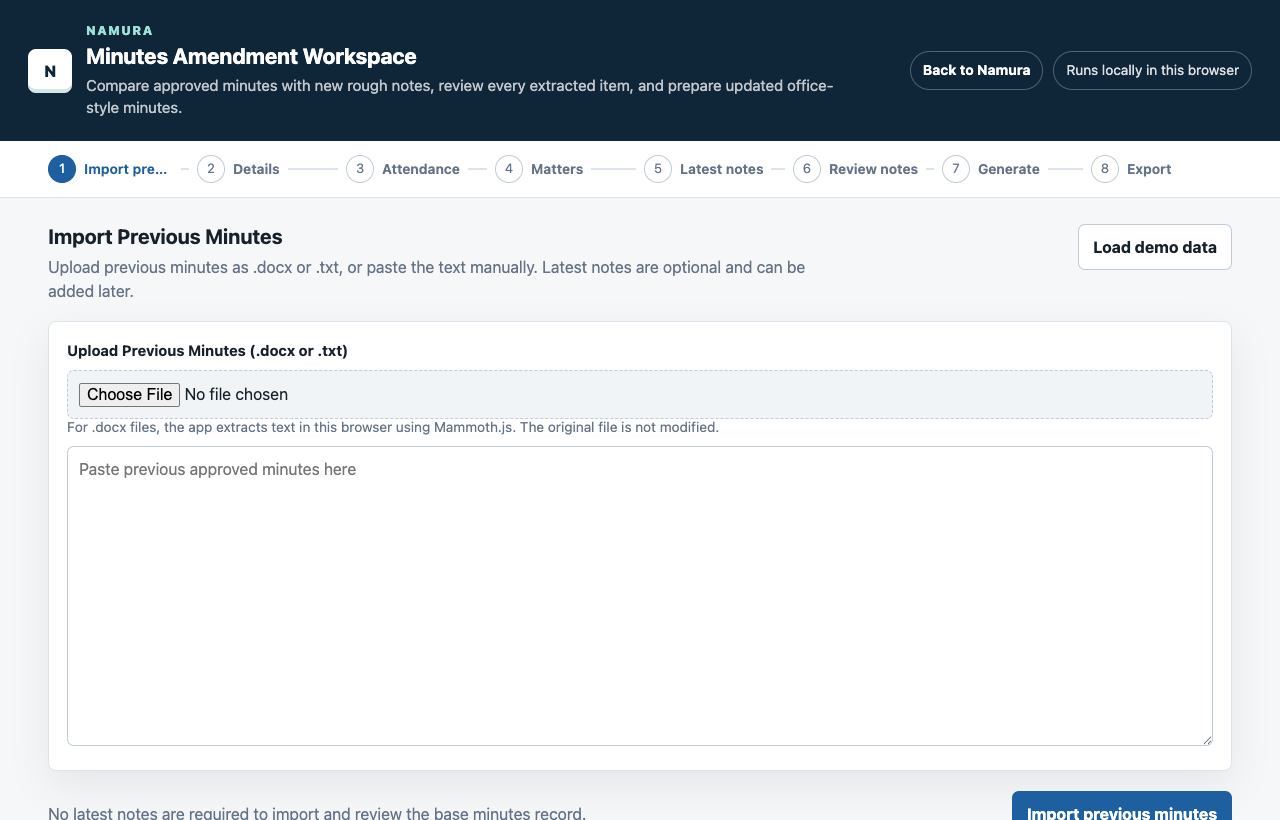
Workflow
The app breaks a messy minutes update into clear steps so the user stays in control of the final wording and structure.
Add approved minutes and the newest rough notes into one browser workspace.
Identify agenda items, owners, notes, and possible updates that need attention.
Confirm, edit, merge, or reject suggested updates before they move into the draft.
Generate an office-style draft that can be checked, copied, and refined.
Screens
Minutes work needs traceability, so the app keeps source text, extracted matters, review status, and draft output close together.
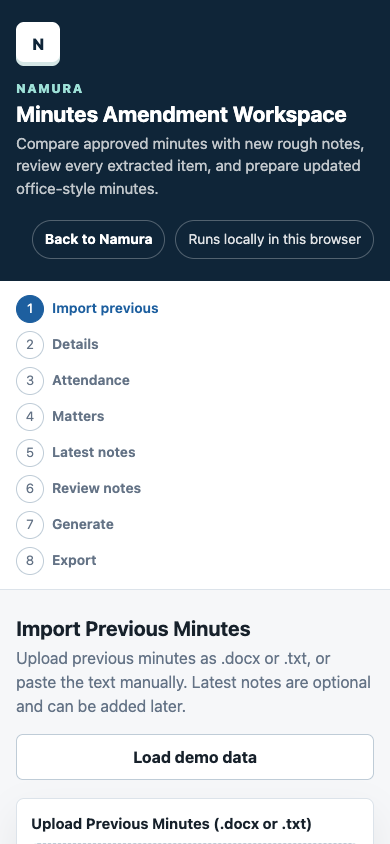
Input
The workspace is designed around pasted minutes and notes, keeping the first version lightweight.
Review
The app supports review and correction instead of pretending the generated minutes are final.
Use Case
Best suited for recurring meeting notes, status follow-ups, and amended minutes drafts.
Project Note
Minutes Amender is available as a browser app. It is meant to speed up review and drafting, not replace a person checking the final office record.